Skip to content

Learn. Share. Innovate.

  • Home
    • Overview
    • Latest Articles
    • Featured Tutorials
  • AI
    • Generative AI Basics
    • Prompt Engineering
    • AI-Driven DevOps
    • Agentic AI & Workflows
    • AI Automation Use Cases
  • Cloud Solutions
    • AWS
    • Azure
    • Google Cloud
  • DevOps Tools
    • CI/CD
    • Infrastructure as Code
      • Terraform
      • Ansible
    • Monitoring & Logging
    • Scripting & Automation
  • Containers & Orchestration
    • Docker
    • Kubernetes
    • ArgoCD
  • Home
  • AI-powered tool-Converts text into professional-quality visuals

AI-powered tool-Converts text into professional-quality visuals

Posted on August 11, 2025August 12, 2025 By vikash sinha No Comments on AI-powered tool-Converts text into professional-quality visuals
Agentic AI & Workflows, Generative AI Basics
Napkin.ai — Overview & How to Use
N

Napkin.ai — Turn text into professional visuals

Convert text into diagrams, infographics, flowcharts, and mind maps to make complex ideas easy to grasp and share.

What Is Napkin.ai?

Napkin.ai is an AI-powered tool that converts text into professional-quality visuals — such as diagrams, infographics, flowcharts, and mind maps — making complex ideas easy to grasp and share.

Key Features

  • T→V
    Text-to-Visual Generation

    Simply paste or write text, and Napkin generates several visual options in seconds—no complex design prompts needed.

  • ⇩
    Wide Export Options

    Outputs can be exported as PNG, PDF, SVG, and PPT files, ensuring compatibility with presentation tools like PowerPoint or Google Slides.

  • 🎨
    Highly Customizable Design

    Change icons, shapes, connectors, colors, fonts (including 700+ Google Fonts and your own uploads), and layout orientations to match your aesthetic or brand.

  • ↺
    Elastic & Adaptive Layouts

    Visuals adjust automatically to content changes, avoiding layout issues and saving manual tweaks.

    Fresh van Root
  • 👥
    Collaborative Tools

    Support for team workspaces, real-time editing, commenting, sharing via link or email with permission control—view, comment, edit, or edit & share.

  • ✍️
    Sketch & Annotation Tools

    Annotate visuals, add labels, upload your own images, or sketch directly on diagrams to enrich your visuals.

    AVID Open Access · Fresh van Root
  • 🌐
    Support for 60+ Languages

    Create visuals from text in over 60 languages; the interface remains available in English for now.

    Napkin AI
  • 👍
    User-Friendly Interface

    No steep learning curve—paste text, click the spark/“Generate Visual” button, and refine the output instantly.

  • 🆓
    Currently Free in Beta

    Napkin.ai is free to use while in beta, including features that might become paid later.

How to Use Napkin.ai — Step by Step

  1. Sign Up (Desktop Only) — Visit Napkin.ai on your desktop, create an account via Google or email/password—mobile sign-up isn’t available yet.
  2. Create Your First Napkin — Click “Create my first Napkin”, then paste your own text or generate content using built-in AI.
    help.napkin.ai · AVID Open Access
  3. Generate Visuals — Hover over a text block and click the spark icon or “Generate Visual” button to view multiple visual suggestions—select your preferred one.
    AVID Open Access · help.napkin.ai
  4. Customize Visuals — Use editing tools: swap icons, adjust connectors, tweak fonts/colors/layouts, or even sketch new elements.
    AVID Open Access · Fresh van Root · Habr
  5. Collaborate with Others — Share via link or invite teammates through email. You can set viewing, editing, or commenting permissions and collaborate in real time.
  6. Export or Share — Choose to export the entire document or individual visuals as PDF (full-doc, A4, or 16:9 slides), PPT, PNG, or SVG.
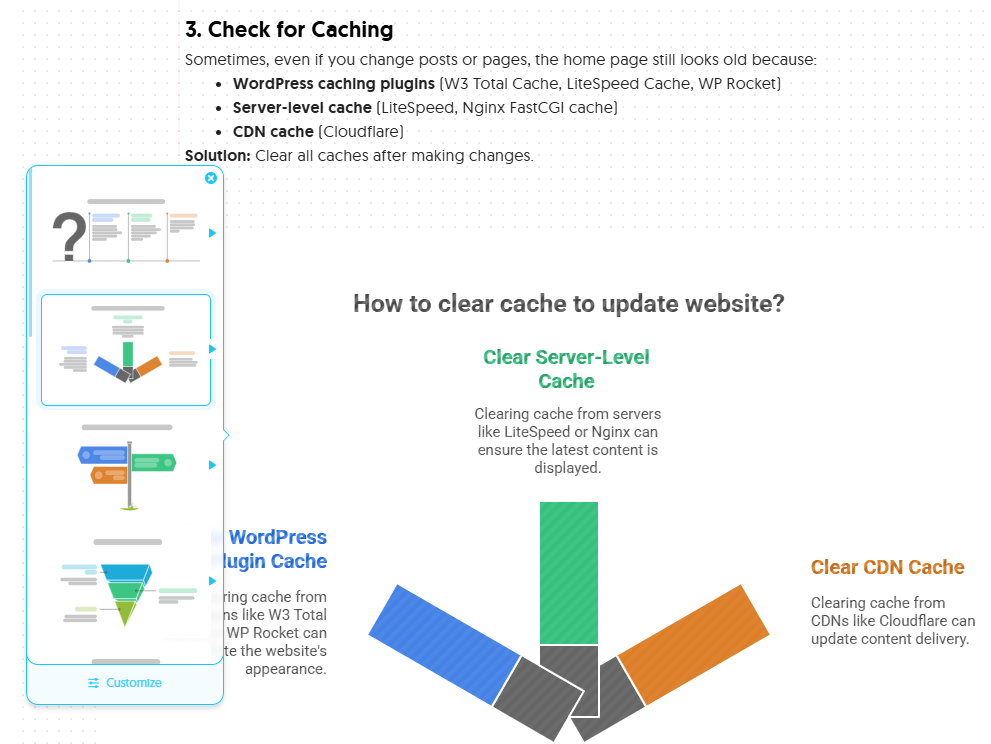
FastCustomizable

Generate, edit, collaborate, and export — all in a single visual workspace.

Notes

Export formats such as PNG, SVG, PDF, and PPT make it easy to include visuals in presentations and documentation.

Use Cases

Presentations — slide-ready diagrams from product specs or meeting notes.
Documentation — visualize architecture, workflows, or onboarding steps.
Teaching & training — convert lesson plans into diagrams for learners.
Marketing — create infographics for blog posts and social shares.
Napkin.ai — convert text into clear, shareable visuals
Example:-

Post navigation

❮ Previous Post: ChatGPT-5 key features
Next Post: Kubernetes Probes Demystified: Startup, Readiness & Liveness with Best Practices ❯

You may also like

Generative AI Basics
ChatGPT-5 key features
August 10, 2025

Leave a Reply Cancel reply

Your email address will not be published. Required fields are marked *

Recent Posts

  • Accessing Databases in Private Subnets: Bastion Hosts vs VPNs — A Practical Guide
  • AWS SOC 2 Readiness Checker: Validate Compliance Across AWS & MongoDB Atlas
  • Building a Java Application Monitoring Dashboard: Metrics, Plugins & Best Practices
  • AWS Transfer Family Setup Guide: S3-Backed SFTP/FTPS/FTP with WinSCP Access
  • Git Change Visualizer: Author-Specific Branch Diff Reports Across Multiple Repos

Recent Comments

  1. ishika on Top AI & DevOps VS Code Extensions for Faster, Smarter Development

Archives

  • October 2025
  • September 2025
  • August 2025
  • July 2025
  • September 2024

Categories

  • Agentic AI & Workflows
  • AI-Driven DevOps
  • Automation Examples
  • AWS
  • AWS Best Practices
  • Azure
  • Azure Best Practices
  • Case Studies & Projects
  • Cheat Sheets
  • CI/CD
  • Cloud Computing
  • Cloud Security
  • Code Snippets
  • Compliance Standards
  • Compute & Networking
  • Container Security
  • Containers & Orchestration
  • DevOps Security
  • DevOps Tools
  • Docker Basics & Advanced
  • Generative AI Basics
  • GitOps
  • Helm Charts & Operators
  • Infrastructure as Code
  • Kubernetes Concepts & Deployments
  • Kubernetes Security Best Practices
  • Migration Stories
  • Monitoring & Logging
  • Performance Optimization
  • PowerShell
  • Prompt Engineering
  • Python for DevOps
  • Real-World Implementations
  • Recommended Books & Courses
  • Scripting & Automation
  • Security & Compliance
  • Security & IAM
  • Security & Identity
  • Shell Scripting
  • Storage & Databases
  • Tips & Resources
  • Tools & Utilities
  • Troubleshooting Guides
  • Uncategorized
  • Home
  • AI
  • Cloud Solutions
  • DevOps Tools
  • Containers & Orchestration
  • Home
  • AI
  • Cloud Solutions
  • DevOps Tools
  • Containers & Orchestration

Copyright © 2025 feenixdv

Theme: Oceanly News by ScriptsTown